Let the participant’s goal define the evaluation
Accessible interaction cannot be established from a general product description. Begin with the participant’s own goals, preferences, communication methods, movement, sensory environment, fatigue, privacy needs, and support plan. Then ask Homebot One which current KOKO controls and feedback methods can be demonstrated for that exact task. Do not claim accessibility, accommodation, therapy, or medical benefit without appropriate evidence and scope.
Define success narrowly and observably. For example, the evaluation might ask whether a participant can start and stop a low-consequence routine using a preferred supported control, understand the status, and recover from a mistake without unwanted help. Keep the existing human or device-based method available throughout the session.
Document input, output, timing, and physical access
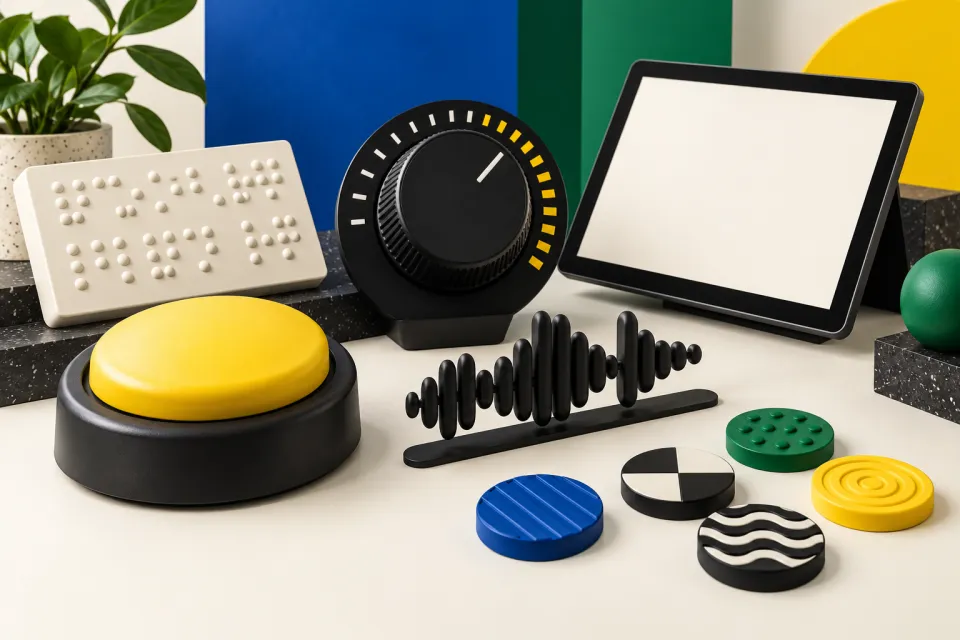
Ask which inputs the interface and hardware being tested support and under what conditions. Possibilities should remain questions until demonstrated: speech, touch, a separate device, a physical control, caregiver assistance, or another interface. For each supported method, examine reach, force, precision, posture, language, background noise, lighting, and whether the person can use it consistently without strain.
Do the same for output. Determine how the system indicates listening, processing, success, uncertainty, pause, stop, and error. W3C accessibility principles and WCAG2ICT can inform digital and non-web software-interface questions such as alternatives, timing, status, and understandable feedback; they do not certify the robot’s physical accessibility or suitability for a person.
- Which current input methods can the participant use from their normal position?
- How are status, confirmation, uncertainty, and errors communicated?
- Can the person request repetition, more time, cancellation, or human help?
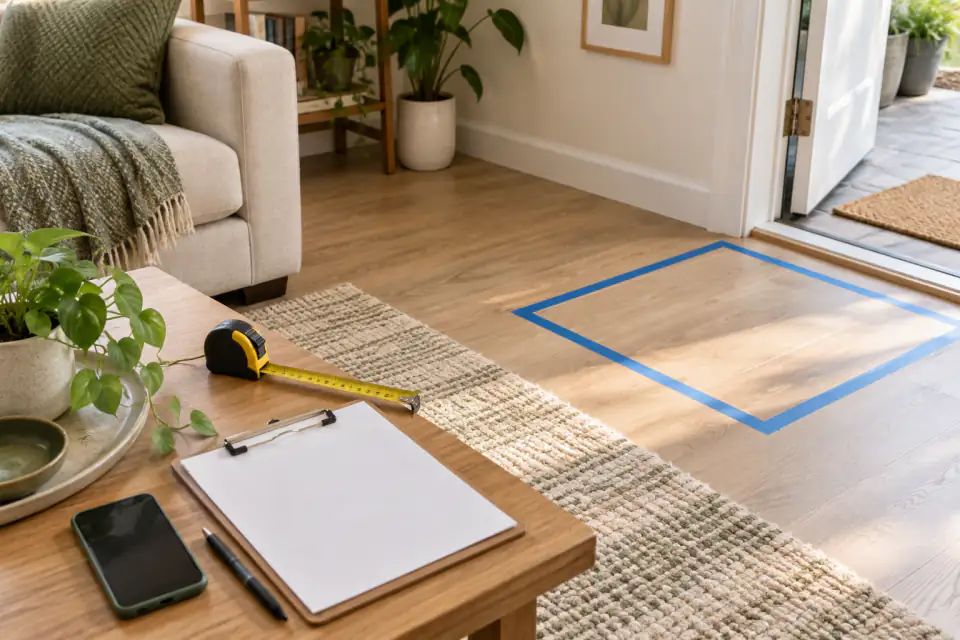
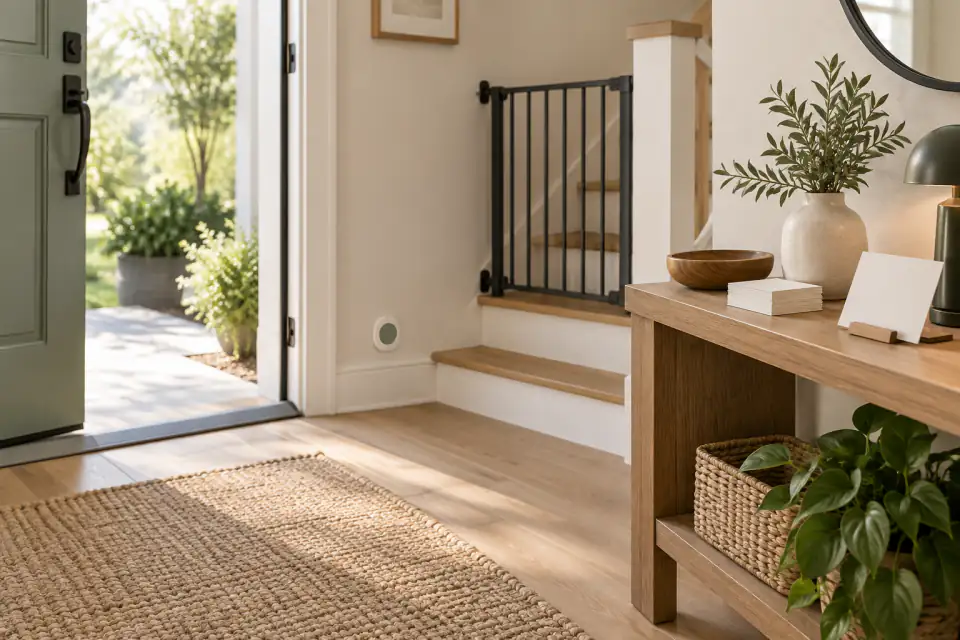
- Do the route and controls preserve mobility-aid access and ordinary movement through the room?
Evaluate error prevention and recovery before convenience
A useful interface makes it possible to notice and correct a mistake. Test only approved low-consequence examples: an unclear request, a change of mind, an accidental repeat, or a request to pause. Observe whether the participant understands what happened and can return to a safe known state. Do not simulate an emergency or make the robot the only path to an important outcome.
Ask how a support person can help without taking over unnecessarily. Roles should be agreed in advance: who configures the system, who sees account or diagnostic information, when assistance is offered, and when the session stops. The participant’s autonomy includes the ability to decline the task or choose the established alternative.
Include privacy, dignity, and consent in accessibility
An interaction can be physically usable while imposing an unacceptable privacy or dignity cost. Ask what audio, images, maps, account details, commands, and assistance records are collected; who can access them; and how long they remain. Discuss whether a support person or remote operator may hear, view, or edit information during setup and troubleshooting.
Use plain language and let the participant control the pace. Do not present a developing robot as a substitute for a caregiver, clinician, accessibility professional, emergency system, or legally required accommodation. If the evaluation occurs in an employment, housing, education, healthcare, or public-service setting, obtain qualified advice about the specific obligations that apply.
- Explain the task, data practices, assistance, and stop process before the session.
- Ask permission again when a new person, sensor, recording, or task enters the evaluation.
- Keep private activities and sensitive information outside the test unless explicitly necessary and protected.
- Record the participant’s own assessment rather than relying only on an observer.
Make the decision from repeated real-use evidence
A single successful attempt may reflect ideal setup, concentration, staff coaching, or a good moment in a variable day. If the participant wants to continue, repeat the same bounded task at a reasonable pace under ordinary approved conditions. Track setup time, successful independent steps, requested assistance, errors, recovery, fatigue, comfort, privacy, and whether the alternative remained easy to use.
The right result may be a narrower task, a different control method, more human support, or no use. Document unresolved access needs for Homebot One instead of promising that a future update will solve them. An accessible evaluation respects the participant’s authority and treats a clear no as a complete result.
Frequently asked questions
Is KOKO accessible for disabled people?
Accessibility depends on the person, task, environment, and current interface. Have Homebot One demonstrate the exact controls and feedback needed, and let the participant assess the experience. Do not infer universal accessibility from a general demo.
Can KOKO replace a caregiver or accessibility service?
Do not treat a KOKO evaluation as a replacement for a caregiver, clinician, emergency system, professional service, or required accommodation. Keep the established support available.
What should an accessible interaction test include?
Test a low-consequence task with the participant’s preferred supported input, understandable status feedback, enough time, easy cancellation, error recovery, privacy controls, and a human fallback.
Does this guide establish ADA compliance?
No. It is an evaluation framework, not a legal determination or accessibility certification. Obtain qualified advice for obligations in a specific setting.
Sources & further reading
- Homebot One: KOKO and in-home testing (opens in a new tab)
- W3C Web Accessibility Initiative: Introduction to Accessibility (opens in a new tab)
- NIST AI Risk Management Framework (opens in a new tab)
- U.S. Access Board: WCAG2ICT guidance for non-web information and communications technology (opens in a new tab)
From Homebot One, the team building KOKO in Fremont, California.