Use the current instructions for the current build
Homebot One says KOKO is moving through in-home testing and engineering validation, with safe movement among the stated areas of focus. Before a demo, evaluation, or setup, request the instructions that apply to the exact hardware and software version you will use. Development hardware can change, so an old checklist should never override current manufacturer guidance.
This article helps organize a conversation; it does not declare KOKO safe for a particular home or replace product documentation. Ask who is responsible for supervising the session, how to stop the robot, which spaces are excluded, and what conditions require the activity to end.
Walk the route at floor level
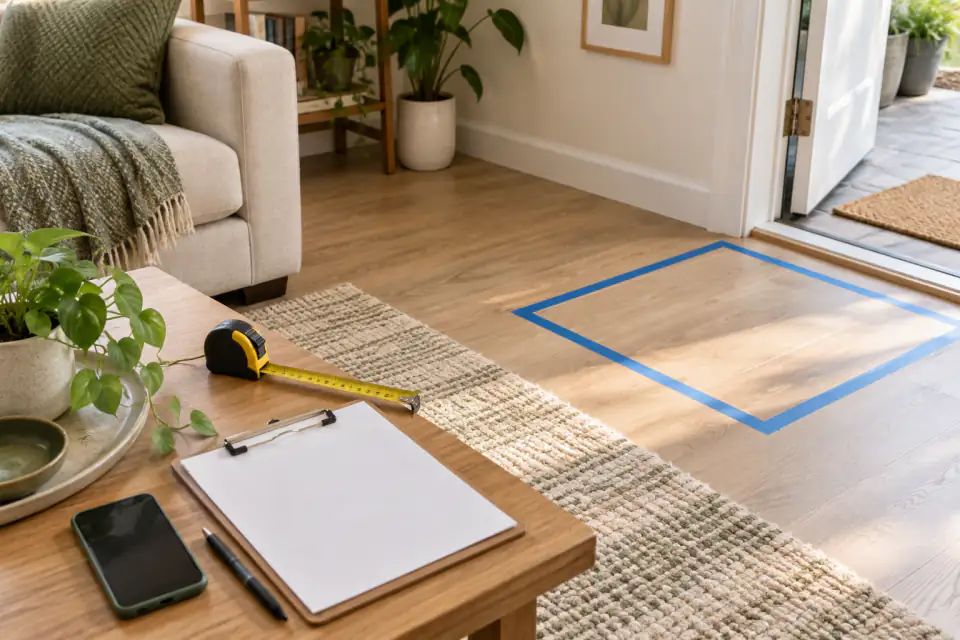
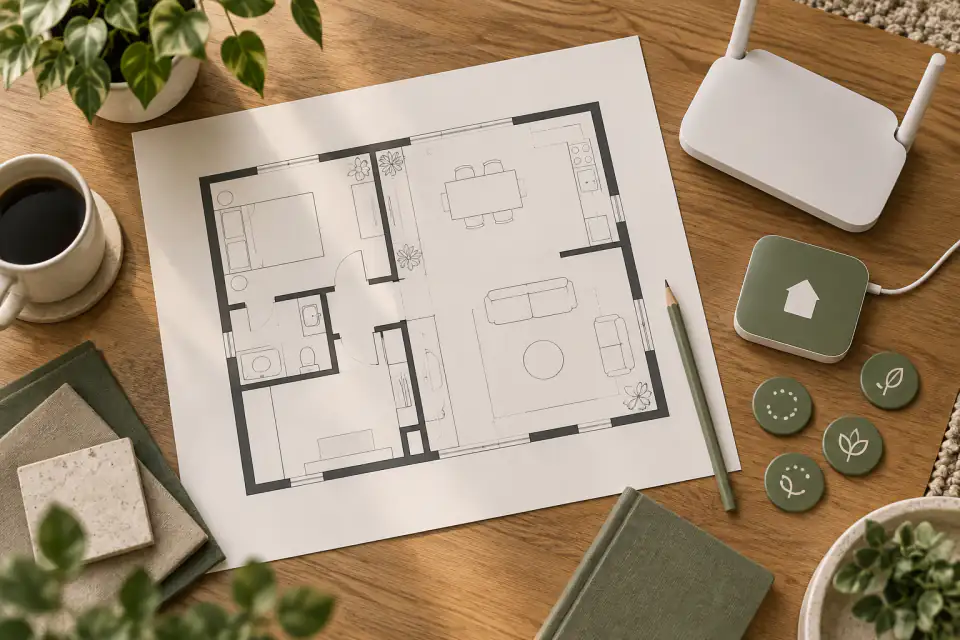
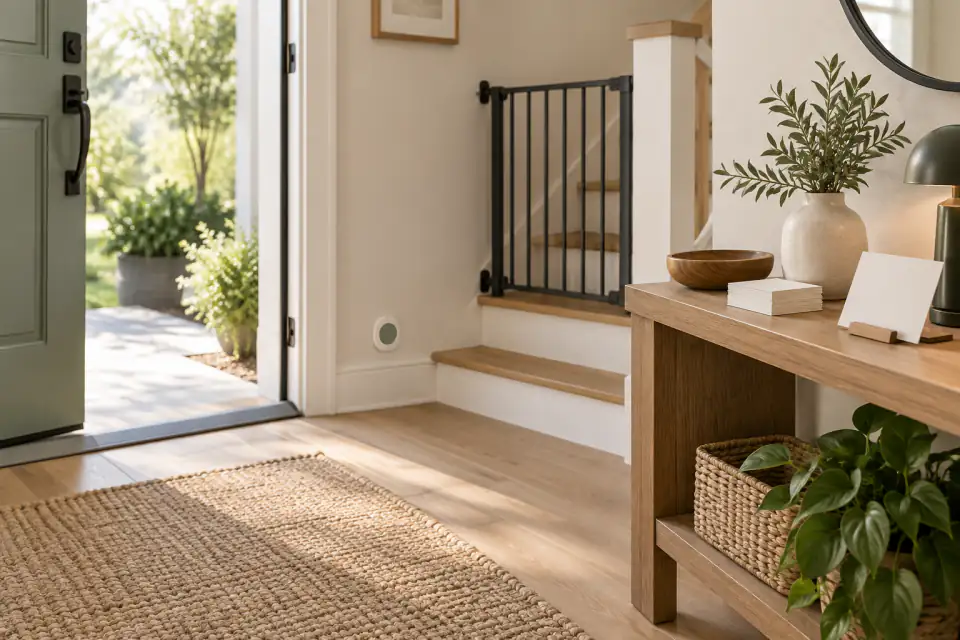
Inspect the intended route before powering or moving the robot. Look for stairs, drop-offs, thresholds, loose rugs, wet floors, cables, small objects, low shelves, glass, direct heat, and tight turns. Consider changes that happen during the day, such as bags in an entryway or dining chairs pulled into a path.
Mark charging and storage areas that do not block exits or create a trip hazard. Ask what clearance the current KOKO build needs and how no-go areas are configured. If the robot has not been validated for a surface or transition in your home, keep that area outside the evaluation until the manufacturer provides direction.
- Keep stairs, balconies, fireplaces, water, and active cooking areas outside an unverified route.
- Secure or remove cords, unstable objects, and loose materials that could enter moving parts.
- Confirm that exits, walkways, and mobility-aid routes remain clear.
- Recheck the route after furniture moves, visitors arrive, or seasonal decorations change.
Plan for people, children, pets, and guests
Shared homes are unpredictable. Ask how KOKO signals an intended movement and what response the user should expect when someone steps into its path. Teach every regular household member the approved stop or pause method. Guests should not have to guess whether the robot is active or how to give it space.
The KOKO Home page states that child interaction is enabled only when an adult is present. Follow the current manufacturer instructions for supervision and do not treat a robot as a caregiver, toy, climbing surface, or emergency device. Discuss pets with the team because size, behavior, feeding areas, toys, and resting spots can change the operating environment.
Treat charging as part of operation
Ask Homebot One which charger, cable, outlet, ventilation, and environmental conditions apply to the current system. The U.S. Consumer Product Safety Commission notes that high-energy battery products and their chargers should be considered and tested as a system. That general guidance is a reason to use only the specified equipment and instructions; it is not a statement about KOKO’s battery design.
Stop using equipment that is damaged, unusually hot, wet, swollen, producing odor, or behaving unexpectedly, and follow the manufacturer’s incident instructions. Do not improvise repairs or substitute a power supply based only on a matching connector. Keep the charging area away from combustible clutter and where people will not trip over a cable.
Know the stop, incident, and support process
Before starting, identify the normal pause, emergency stop, power isolation, and support contacts. Ask what state the robot enters after each action and how it can be restarted safely. If a collision, tip, liquid exposure, damaged component, or repeated warning occurs, preserve relevant details and follow the current Homebot One instructions before resuming.
For consumer products generally, the CPSC maintains a public recall and product-safety warning database. Keep the model and serial information associated with your KOKO access, register for official updates if that option is provided, and verify notices through authoritative sources. Review the safety plan after software updates, room changes, or a new household routine.
Frequently asked questions
Is this an official KOKO safety manual?
No. It is an evaluation checklist. Request and follow the current Homebot One instructions for the exact KOKO hardware and software version you use.
Can KOKO interact with children without an adult?
The official KOKO Home page says child interaction is enabled only when an adult is present. Ask Homebot One for the current supervision requirements and follow them.
What should I do if a robot or charger appears damaged?
Stop using it, keep people away as appropriate, and follow the manufacturer’s current incident and support instructions. Do not improvise a repair or charger substitution.
Sources & further reading
From Homebot One, the team building KOKO in Fremont, California.