Begin with one routine, not a feature list
A home robot demo becomes useful when it answers a question about your home. Choose one routine you care about and describe its beginning, end, and difficult moments. “Move from the kitchen to the living room after breakfast” is easier to evaluate than “show me everything KOKO can do.”
Homebot One says KOKO is undergoing in-home testing and engineering validation, with attention to movement, interaction, and everyday presence. A focused scenario lets you see how the current build behaves while keeping a clear boundary between what is demonstrated and what remains part of the broader development vision.
Share the room before the session
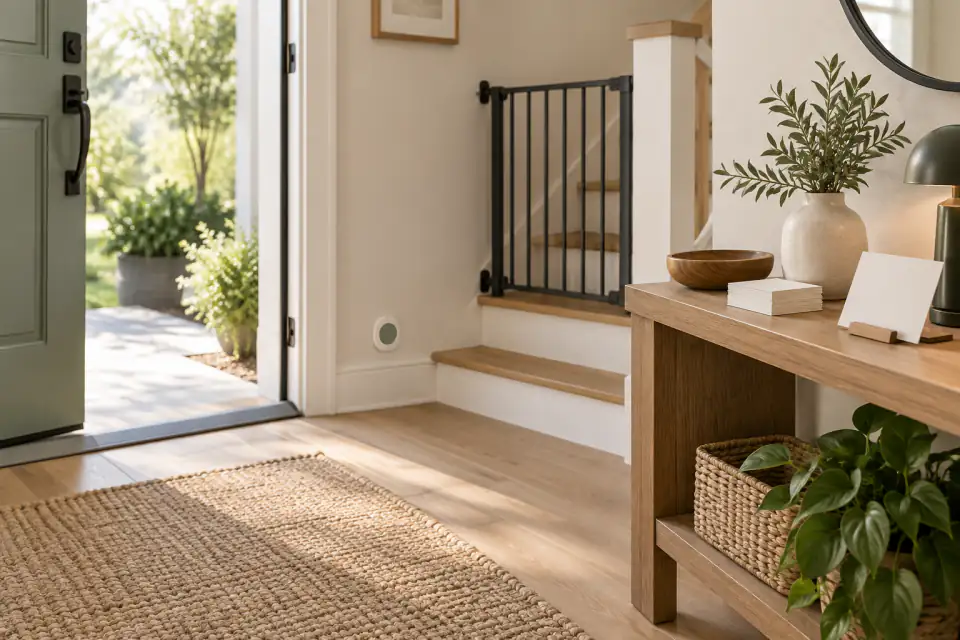
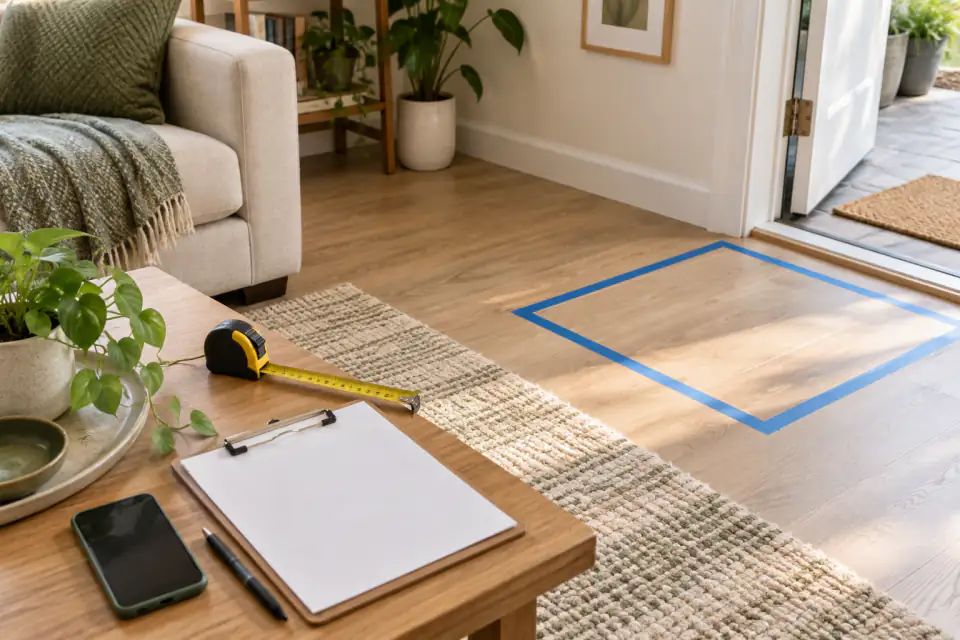
A short description of the environment helps the team plan an honest demonstration. Include approximate room dimensions, flooring changes, thresholds, narrow passages, stairs, rugs, pets, and the times when people usually move through the space. Remove personal details that are not needed for the evaluation.
Ask which surfaces and layouts have been tested with the version you will see. If the session uses a prepared location, note the differences from your home. A robot moving through an open demonstration area has answered a narrower question than one handling the specific transitions and interruptions in your intended environment.
- Mark the start, destination, charging area, and any no-go zones.
- Identify thresholds, loose cables, reflective surfaces, low furniture, and stairs.
- Explain whether children, pets, guests, or mobility aids share the route.
- Ask what changes to the room are required before operation.
Observe the whole interaction
Watch what happens before and after the impressive moment. Who starts the routine? How does KOKO indicate its intention? What occurs when a person crosses its path, an object moves, or a request is unclear? Ask the demonstrator to explain any manual controls, resets, remote assistance, or preconfigured steps involved.
Repeat one ordinary interruption rather than asking for a dramatic edge case. For example, place a chair where the route was previously open, while following the demonstrator’s safety direction. The goal is not to make the robot fail. It is to understand the operating conditions and the signals a household member would need to recognize.
Cover privacy, control, and safety
Ask what information the demonstration collects, where processing occurs, how long data is retained, and how a participant can request deletion. If video, audio, maps, or account data are involved, identify who can access them. Request the privacy notice and current support documentation rather than inferring practices from the robot’s appearance.
Also ask how to pause or stop KOKO, how charging is managed, and what users should do after a collision, spill, unusual sound, damaged cable, or software warning. These questions do not imply a particular risk in KOKO; they are the practical controls people should understand before bringing any powered, connected machine into a shared home.
Leave with a written next step
At the end, summarize what you directly observed, what the team explained, and what still needs confirmation. Record the hardware and software version if available. Ask whether the demonstrated behavior is part of the current program for your location and intended use, and whether future updates could change the setup or workflow.
If the conversation turns to availability or cost, request the applicable program terms. A demo is evidence about that session; it is not automatically an offer to sell or a delivery commitment. A written follow-up should name the access path, included equipment or services, support arrangement, expected dates, and any conditions that remain unresolved.
Frequently asked questions
What should I ask to see in a KOKO demo?
Choose one realistic routine in a clearly described room. Ask to see how it starts, how interruptions are handled, what human assistance is involved, and how someone pauses or stops the robot.
Does a KOKO demo prove the robot will work in my home?
A demo shows a specific build under specific conditions. Compare the demo setting with your own home and ask which differences require further testing.
Is a demo the same as placing an order?
No. Confirm separately whether the session is informational, research-oriented, part of an evaluation, or connected to a commercial program.
Sources & further reading
From Homebot One, the team building KOKO in Fremont, California.