Model the prototype you are actually authorized to build
Homebot One's Developer page labels its architecture and API examples as illustrative, with interfaces still in development. Begin a threat model with the access actually approved for your project. Confirm the build, interfaces, permissions, and test limits before deciding what code or physical actions the application can exercise.
Include security design, safe physical testing, monitoring, and remediation in the prototype budget and release criteria. Make those costs visible before work expands from a controlled environment to an occupied home.
Draw assets, actors, data flows, and trust boundaries
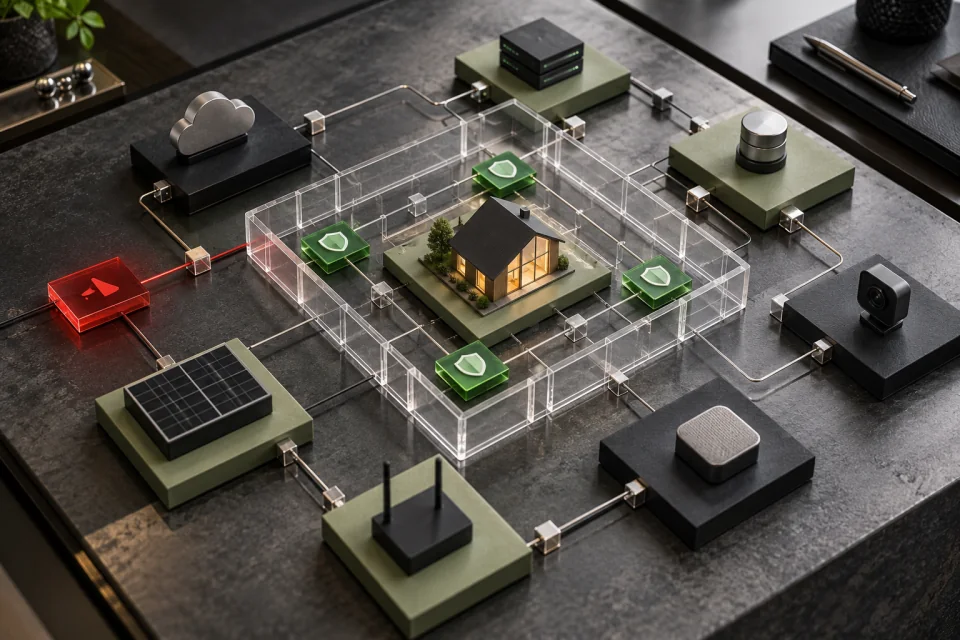
Start with a small architecture diagram. Include the developer application, approved KOKO interfaces, robot hardware, operator controls, user accounts, development workstation, source and build systems, logs, data stores, home network, connected devices, cloud services, and remote support only when they are truly in scope. Mark every point where data or commands cross between people, processes, devices, networks, organizations, or privilege levels.
List assets that require protection: people and pets, physical space, robot motion authority, credentials, signing keys, source code, configuration, household data, research data, logs, availability, and a safe recovery path. NIST's Secure Software Development Framework recommends addressing security requirements and risk during design, and NIST's verification guidance explains that threat modeling can expose overlooked testing targets.
- Who can send a command, change code, or alter configuration?
- Which component validates identity, authorization, state, and input?
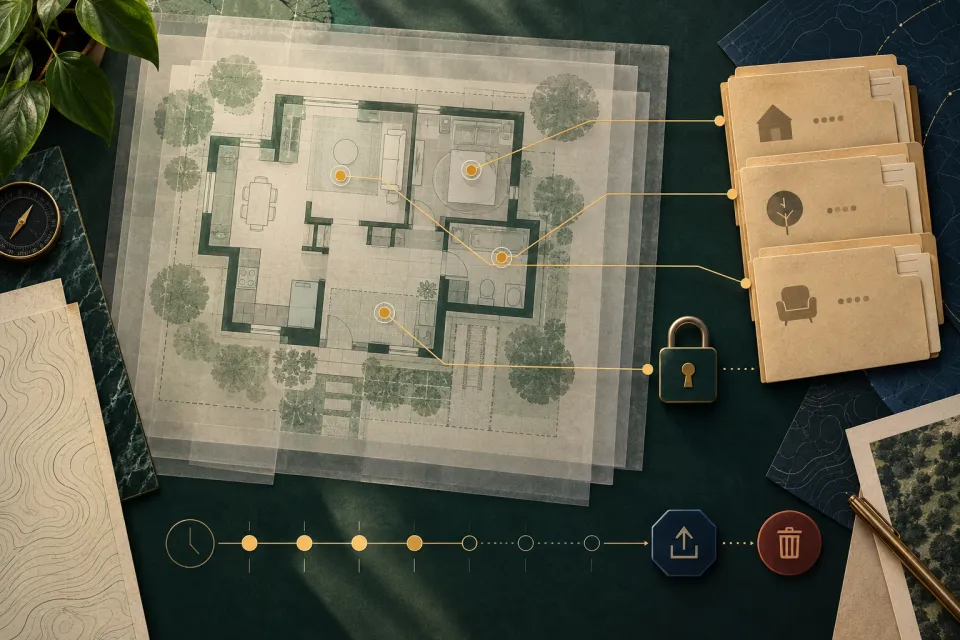
- Where do secrets, logs, household data, and build artifacts live?
- Which links cross a network, service, organization, or safety boundary?
- What remains available if an app, network, account, or service fails?
Connect digital threats to physical consequences
Consider spoofed users or devices, tampered commands, altered dependencies, replayed requests, exposed data, excessive privileges, unavailable services, unsafe timing, and untrusted inputs. These are general modeling prompts, not claims about weaknesses in KOKO. For each scenario, name the prerequisite, affected asset, likely impact, existing control, evidence, and residual risk.
A physical system needs an additional question: what happens in the room? A digital failure could create an unexpected movement request, stale state, misleading feedback, unavailable stop path, or unsafe interaction with a connected device. Work with the Homebot One team to understand supported motion and recovery controls. Keep early tests in a controlled environment with bounded speed, force, workspace, objects, and human roles appropriate to the approved platform.
- Confidentiality: can an unauthorized party learn household or developer information?
- Integrity: can code, configuration, state, data, or commands be changed improperly?
- Availability: can a failure remove a needed control or recovery path?
- Safety: can a digital condition contribute to harmful physical behavior?
- Accountability: can the team reconstruct who changed and ran what?
Choose controls that reduce risk at the right layer
Prefer a design that minimizes authority and data from the beginning. Use separate development and household credentials, protect secrets outside source code, validate inputs, authorize every sensitive action, limit command scope and rate, fail to a documented safe condition, and keep dependencies and build artifacts traceable. Use sandboxing, simulation, or non-actuating tests where available before commanding physical hardware.
CISA's Secure by Demand guide asks customers to evaluate whether manufacturers follow Secure by Design principles, including ownership of customer security outcomes, and NIST SSDF provides a common vocabulary for secure development. Apply those principles to the code and services the developer controls, then ask Homebot One for the supported platform controls and restrictions. Do not claim a feature such as signed extensions, fine-grained permissions, or rollback unless the current developer documentation and build confirm it.
- Least-privilege credentials and short-lived test access
- Approved dependency, secret, build, and release process
- Input validation and explicit state checks before physical action
- Operator-visible status, bounded commands, and safe interruption
- Protected logs, version identifiers, rollback plan, and issue channel
Use the threat model to drive tests and release gates
Turn the highest-priority scenarios into test cases. Include authorization failures, malformed and replayed requests, lost connectivity, stale state, dependency failure, conflicting commands, account revocation, log gaps, and attempted operation outside the approved physical conditions. Use synthetic or non-sensitive data whenever possible. Record the application version, KOKO build, environment, expected safe result, observed result, and issue owner.
Review the model whenever the API, sensor, actuator, integration, data flow, dependency, user population, or deployment setting changes. Before moving from lab to an occupied home, require sign-off for unresolved risks, approved operating limits, monitoring, incident contacts, and rollback. A threat model is useful when it changes design and testing; a diagram filed after the prototype is complete does not provide the same benefit.
Plan a KOKO cybersecurity incident response
Evaluate KOKO deployment readiness costs
Frequently asked questions
Does this guide reveal KOKO's internal architecture or vulnerabilities?
No. It uses general secure-development prompts. Homebot One's public developer diagram and API syntax are labeled illustrative, and this guide makes no claim about undisclosed implementation details or flaws.
When should a KOKO developer create a threat model?
Start during design, before sensitive data or physical testing, and update it when interfaces, components, privileges, dependencies, users, or the deployment environment change.
What makes a robot threat model different from a web-app review?
The model must connect digital conditions to physical movement, people, objects, room state, human intervention, safe interruption, and recovery while still covering data, identity, software, and services.
Should a developer test a suspected weakness on a live household robot?
Use the authorized program, scope, environment, and disclosure path. Prefer controlled, non-sensitive, non-actuating, simulated, or lab testing when possible, and never exceed authorization.
Sources & further reading
- KOKO Developer: Official platform and developer-access overview (opens in a new tab)
- NIST SP 800-218: Secure Software Development Framework (opens in a new tab)
- NIST: Recommended Minimum Standard for Vendor or Developer Verification of Code (opens in a new tab)
- CISA: Secure by Demand—How Software Customers Can Drive a Secure Technology Ecosystem (opens in a new tab)
From Homebot One, the team building KOKO in Fremont, California.