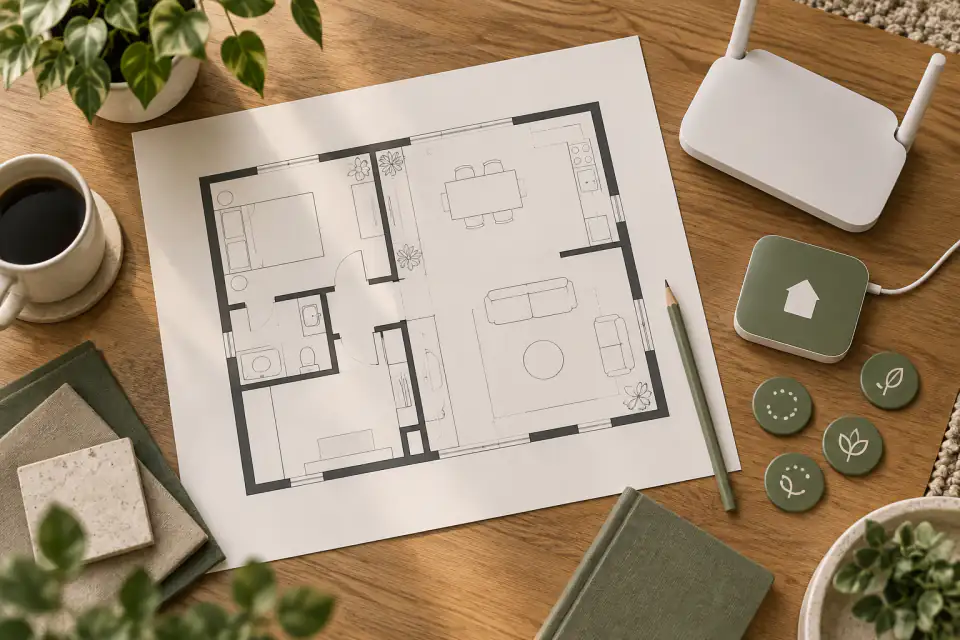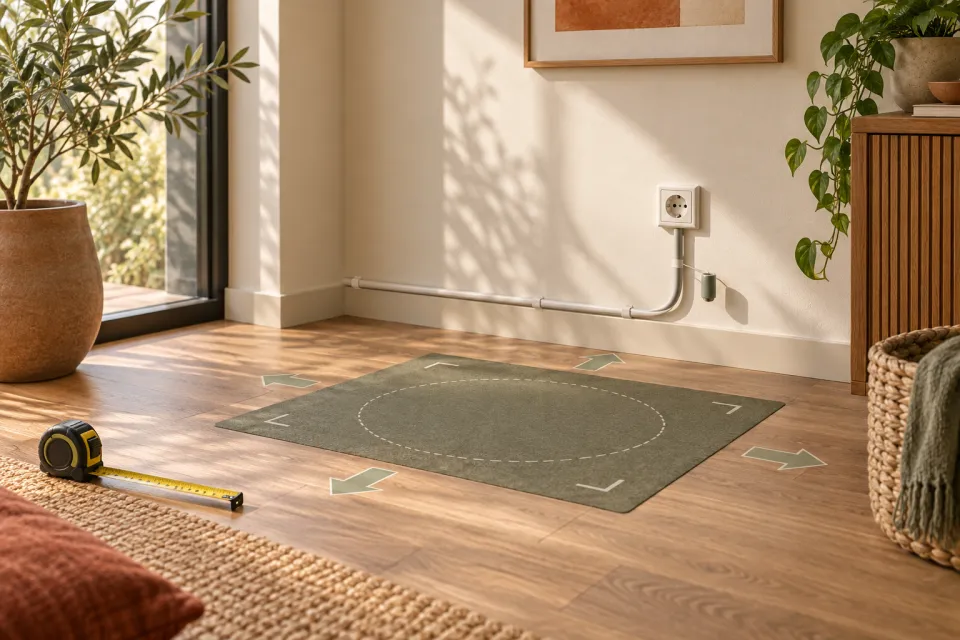
Placement begins with product-specific instructions
A KOKO home or charging position should follow the instructions for the exact current hardware and access program. Have the Homebot One team explain what equipment is included, how power is supplied, which outlet and circuit conditions apply, what clearances and surfaces are required, and whether installation or setup must be performed by an authorized person. Do not copy a placement shown in an editorial image, demo video, or another product’s manual.
Treat home position and charging as two related but potentially different concepts until the team confirms the terminology. A home position might be where the system waits, starts a route, receives service, or charges, but those functions must not be assumed. Record the official name and purpose of each component before evaluating locations.
Compare candidate locations against the documented requirements
List two or three possible locations and measure them. For each one, note the floor surface, nearby outlet, ordinary room temperature and moisture conditions, pedestrian traffic, doors, curtains, furniture, direct sunlight, pet access, children, and the route into the room. Ask which factors matter for the current equipment rather than deciding from general battery advice.
The preferred location should not block an exit, doorway, accessible route, fire-safety equipment, utility access, or everyday use of the room. Avoid extension cords, adapters, cable covers, cabinets, wall mounting, or ventilation changes unless Homebot One’s instructions explicitly allow the proposed configuration. When electrical work is needed, use an appropriately qualified professional.
- What power source, outlet condition, cable arrangement, and surrounding clearance are specified?
- Which floor, temperature, moisture, ventilation, and sunlight conditions are permitted?
- May the equipment sit near curtains, furniture, heating equipment, doors, or household traffic?
- Who installs, inspects, moves, services, and removes each component?
Protect the approach and the people using the room
Map the approach from the operating area to the proposed home position. Ask how the hardware being placed aligns, stops, connects, and communicates status, but do not infer automatic docking or self-charging. Keep the route free of loose cables, bags, pet items, and movable furniture during an approved evaluation. The final arrangement should not introduce a trip or pinch point.
Decide who may enter the area and who may operate or disconnect the equipment. Children, guests, pets, cleaners, and contractors may not recognize that a location must remain undisturbed. Use clear household rules consistent with the manufacturer instructions, and keep the system inactive when those rules cannot be maintained.
Ask what normal, interrupted, and long-term charging states mean
Request an explanation of status indicators and the normal sequence for the current equipment. Ask how a user knows that the system is positioned correctly, charging or not charging, ready, paused, or reporting a problem. Also ask what to do after a power interruption, network interruption, unusual sound, odor, heat, visible damage, liquid exposure, or an unexpected status message.
Do not open, repair, modify, cool, dry, transport, or dispose of charging or battery equipment without the applicable instructions. Stop use and follow Homebot One’s support process when a concerning condition appears. For long periods without use, relocation, shipment, or end-of-life handling, request current written guidance rather than applying a generic consumer-electronics routine.
- Which indicators show the supported operating and charging states?
- What user action is allowed after an interruption or error?
- Which conditions require stopping use and contacting support?
- What storage, transport, service, and disposal process applies to the current hardware?
Validate the location before making it permanent
Use a supervised setup session to confirm that the selected location meets the current instructions and still works for the household. Observe ordinary walking routes, doors, cleaning, furniture use, and access to the outlet. Have Homebot One document any adjustment made during setup. A location that works for a staged demo may not remain suitable after daily activity resumes.
Review the placement periodically and whenever the room, equipment, power arrangement, software, or household changes. Do not move the home position casually; relocation may affect routes, maps, calibration, cables, or other setup. The goal is a documented, stable place that people can keep clear without disrupting safe use of the home.
Frequently asked questions
Where should KOKO charge?
Use only a location that meets current Homebot One instructions for the exact hardware. Ask about power, surface, clearances, temperature, moisture, ventilation, traffic, installation, and route requirements before choosing it.
Does KOKO return to a charger by itself?
Avoid inferring automatic docking or charging behavior. Have Homebot One demonstrate and document how the hardware being placed reaches, aligns with, and uses its home or charging equipment.
Can I use an extension cord or move the charging equipment?
Only follow current product-specific instructions. Ask whether extension cords, adapters, cable covers, relocation, or electrical work are allowed and who is authorized to perform them.
What should I do if charging equipment looks damaged or behaves unusually?
Stop using it, keep people and pets away as appropriate, and follow Homebot One’s current support and safety instructions. Do not open or repair it yourself unless authorized documentation explicitly directs you.
Sources & further reading
From Homebot One, the team building KOKO in Fremont, California.