A hub coordinates; a robot inhabits space
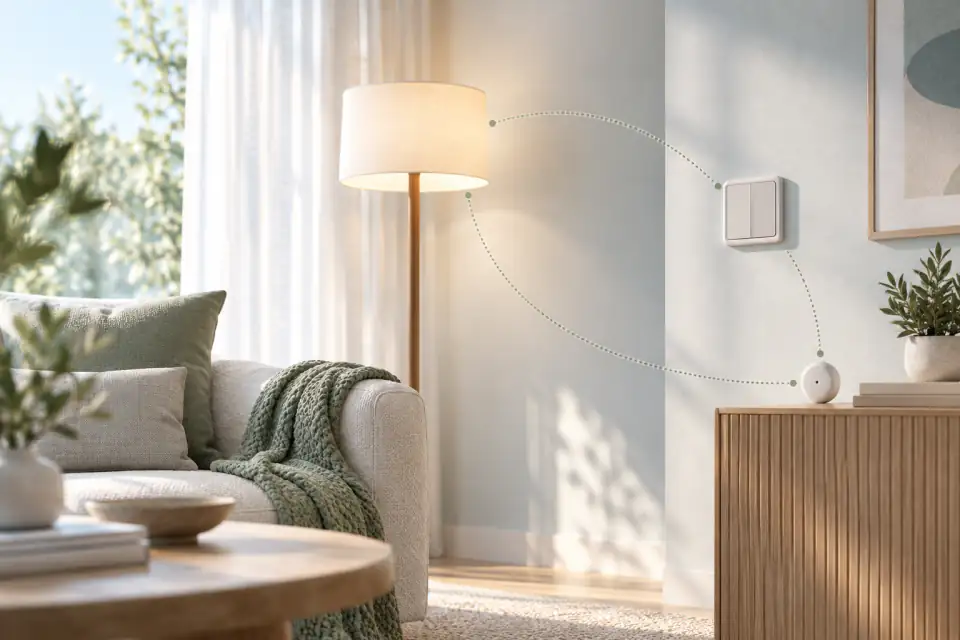
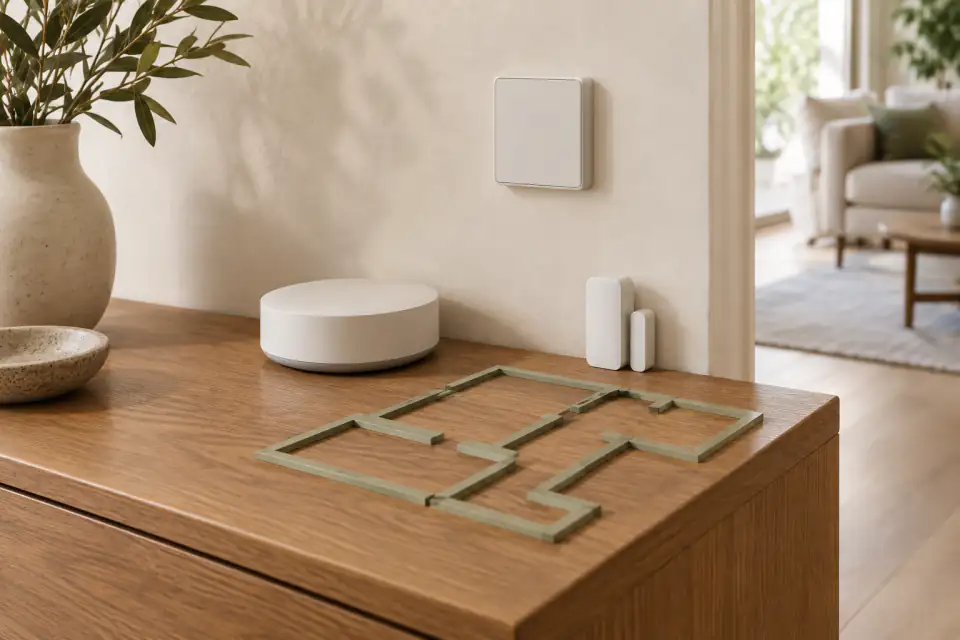
A smart home hub helps compatible devices exchange commands, states, or automations. It might coordinate lights, locks, sensors, shades, or thermostats without moving through the home. A home robot is a physical system in the room. Depending on its current capabilities, it may move, change viewpoint, communicate through gesture, or interact with objects.
Those roles can overlap at the user-experience level—a person may speak to either system—but their engineering jobs remain different. The hub manages connected endpoints. The robot must also handle embodiment: location, obstacles, charging, human proximity, and physical recovery. Compare them by the outcome you need rather than by the number of devices or commands shown in a demo.
Choose the simplest path to the outcome
If the goal is to turn on a compatible lamp at sunset, a hub automation may solve it directly. If the goal requires presence in a room, a changing viewpoint, expressive interaction, or a physical action, a robot may add something the hub cannot. Some experiences may use both: the robot provides the interaction while a home system controls a compatible endpoint.
Write the desired sequence step by step. Identify which step needs a person, robot, hub, sensor, or third-party service. This prevents the word “automation” from hiding dependencies. It also reveals whether the robot is central to the experience or an expensive extra layer around a routine the existing home system already handles well.
Verify compatibility one action at a time
Matter, developed through the Connectivity Standards Alliance, is an interoperability standard for supported smart-home product categories. A standard can simplify parts of device communication, but it does not prove that a particular robot, hub, device, and action work together. Product support, software version, account setup, and the exact function still matter.
Ask for the current list of supported protocols, devices, and commands. Then request a live demonstration of the action you care about. If custom development is required, identify who builds and maintains it. Homebot One’s Developer page describes connected-home experiences as an area to build and says the platform and interfaces are in active development. Treat that as development context, not a compatibility guarantee.
Plan for failure and manual control
Connected routines can fail because of network loss, account problems, device changes, depleted batteries, blocked paths, or a software update. Ask what the user sees when each step fails. Can a light still be controlled manually? Can the robot stop safely and explain that it needs help? Does the automation retry, time out, or continue with partial information?
Keep essential household functions available through simple controls. A robot or hub should not make an ordinary action harder when the network is down. During evaluation, disconnect one noncritical component or block a test path in a controlled setting and observe recovery. A calm failure can matter more than a flawless prepared sequence.
Review security across the whole system
An integration can involve the robot, hub, endpoint devices, mobile apps, accounts, cloud services, and home router. Ask which organization controls each component, how permissions are granted, how software updates arrive, and how access is removed. Minimize privileges: a routine that needs a lamp should not automatically receive broad access to unrelated devices.
NIST’s consumer IoT profile treats cybersecurity as a product-level outcome involving technical capabilities and manufacturer support. Review the complete chain rather than evaluating one device in isolation. Document the accounts, data flows, and dependencies so the household can maintain or remove the integration later.
Decide what to adopt first
Start with the component that independently solves the clearest problem. A hub may be the sensible first step for repeatable device control. A robot evaluation may come first when the research question or household experience depends on embodiment. If both are needed, prove each layer separately before combining them.
For KOKO, share your current devices and one desired workflow with Homebot One. Ask what can be demonstrated now, what requires developer work, and what remains planned. Then include integration setup, maintenance, and support in the cost comparison.
Frequently asked questions
Can a home robot replace a smart home hub?
Do not assume so. A hub and robot perform different system roles, and current protocol and device support must be verified for each product and action.
Does Matter guarantee KOKO compatibility?
No. A standard does not establish support for a particular robot or workflow. Ask Homebot One and the device manufacturers to confirm and demonstrate the exact current integration.
What should happen if an integrated routine fails?
The user should have understandable status and a safe recovery path. Test manual control, timeouts, permission changes, network loss, and robot stopping behavior for the proposed setup.
Sources & further reading
From Homebot One, the team building KOKO in Fremont, California.