Two approaches to a more helpful home
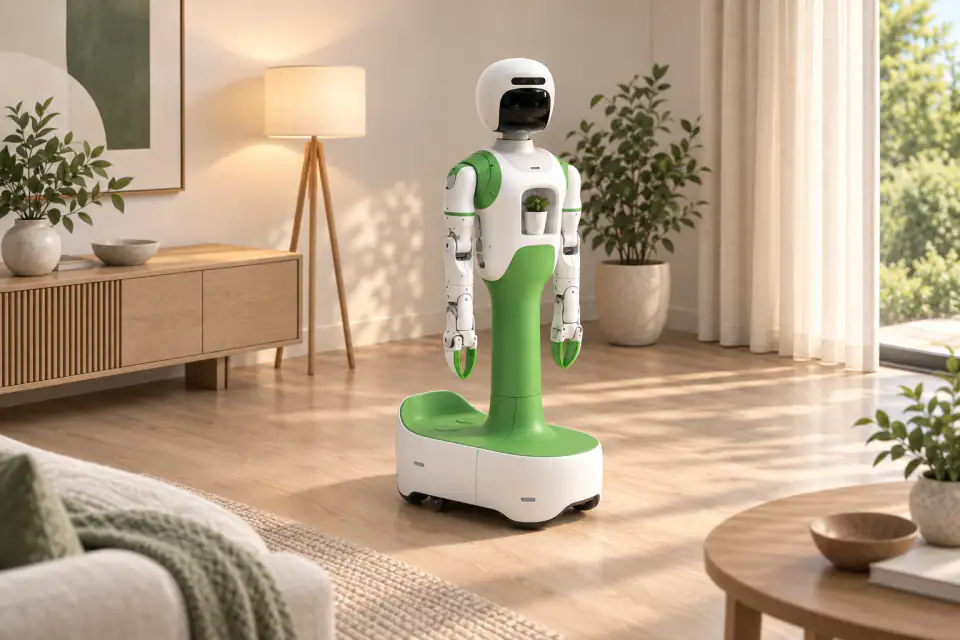
Exploring Homebot One KOKO alongside your existing smart home? Start by identifying which parts of your routine need connected-device control and which need a physical robot. This distinction helps you ask precise questions about the current KOKO build.
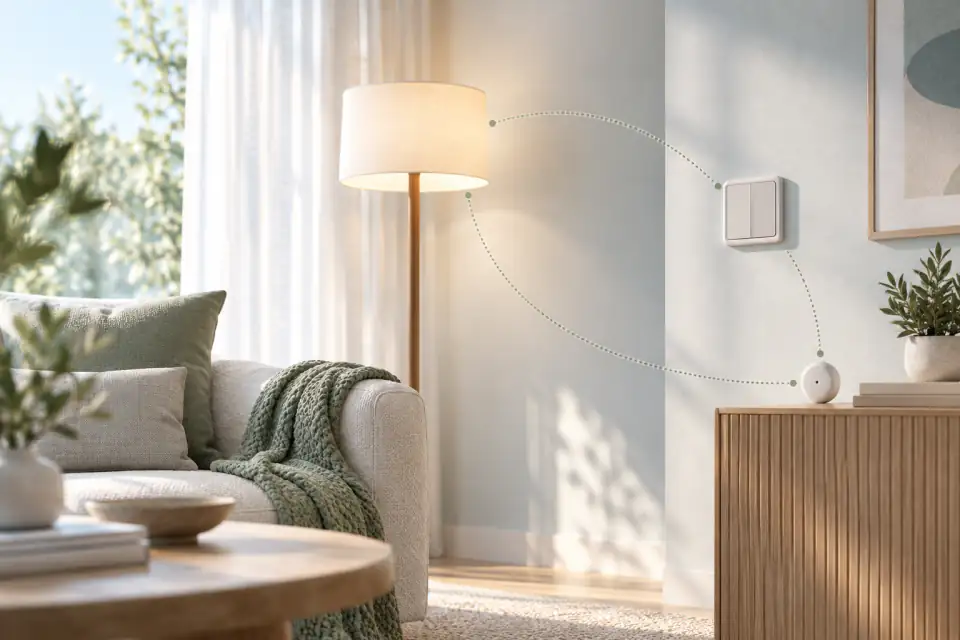
Smart home automation coordinates connected devices through commands and rules. A home robot adds a physical machine that can interact with its surroundings within its supported abilities. The two categories can overlap, but they answer different questions: which devices should respond, and what physical interaction should happen in the room?
Home Assistant's documentation gives familiar automation examples, including lights responding to sunset and settings changing at a scheduled time. A routine connects an event to an action, sometimes with conditions that determine whether it should run. That can be enough for many everyday needs.
Choose the simplest path to your goal
If your goal is for a compatible lamp to turn on at a certain time, start by evaluating a lighting routine. If your interest involves movement through a room or an interaction with a physical object, ask which robot can demonstrate that particular behavior. Neither category should be judged by the number of features on a slide.
Break a larger idea into smaller steps. A welcoming-home routine might involve lighting, a spoken message, and an activity with family members. Consider each step separately. This makes it easier to see what existing devices already provide and where another device would add something useful.
Compatibility needs a specific answer
The Connectivity Standards Alliance describes Matter as a protocol for communication between compatible devices and systems. It helps address interoperability in the connected home. It does not establish that every product can control every other product, or that a particular robot supports the devices you own.
Before planning an integration, list the exact device models, the control platform, and the actions you want. Ask which combinations have been tested and whether setup requires an additional hub, account, or service. Request a demonstration of the complete routine rather than assuming two individually capable products will work together.
Plan for interruptions and shared control
A useful household routine should be understandable to people who did not configure it. Decide how someone pauses the activity, changes a schedule, or takes manual control. Ask what remains available when the internet connection drops, and what happens after a power interruption.
For a robot, also discuss blocked routes and changing room arrangements. For automation, check what happens if a sensor reports an unexpected state. These are evaluation questions, not assumptions about a particular product's behavior. Keep the first routine small enough that everyone can explain it.
Which smart home integrations does KOKO support?
KOKO Home's official page describes connected-home coordination among its intended household experiences. KOKO remains a development and in-home testing effort. Discuss your existing setup with the team and ask which integrations are currently demonstrated, which require partner work, and which are future plans. Do not infer Matter support or compatibility with a named platform without confirmation.
Frequently asked questions
Do I need a robot to automate my lights?
A compatible lighting system and automation platform may already provide that routine. Start with the outcome you want and check the requirements of your existing devices.
Can a robot and smart home system work together?
Potentially, when the particular products and actions are supported. Verify the exact integration, setup requirements, and behavior before relying on a combined routine.
Does KOKO support Matter or my existing smart home platform?
The connected-home vision does not by itself confirm a particular integration. Ask Homebot One which device models, protocols, and actions are currently supported and request a demonstration with your intended setup.
Sources & further reading
From Homebot One, the team building KOKO in Fremont, California.