Use the clip to build a candidate list, not a final answer
A short television clip can suggest which home robot you saw, but visual resemblance rarely proves the model. Robots may share a wheeled base, display, arms, white enclosure, or domestic setting. Prototypes can also change between a press image, trade-show demo, and later hardware revision.
Begin by saving the full clip URL and recording the date, uploader, program name, runtime, and exact moment where the device is clearest. Your goal is to produce a small set of candidates and then confirm one through primary sources.
Extract stable clues frame by frame
Look for printed names, maker logos, URLs, event signs, speaker introductions, lower-thirds, charging hardware, distinctive accessories, and captions that appear in the original program. These clues are stronger than general body shape because they can lead to a named source.
Separate what belongs to the robot from what the editor added. A name in a social caption may have been written by a reposter. A studio graphic may summarize a story without reproducing the manufacturer’s terminology. Note the location of each clue and whether it persists across the original footage.
- Text: product, company, presenter, event, URL, or model number.
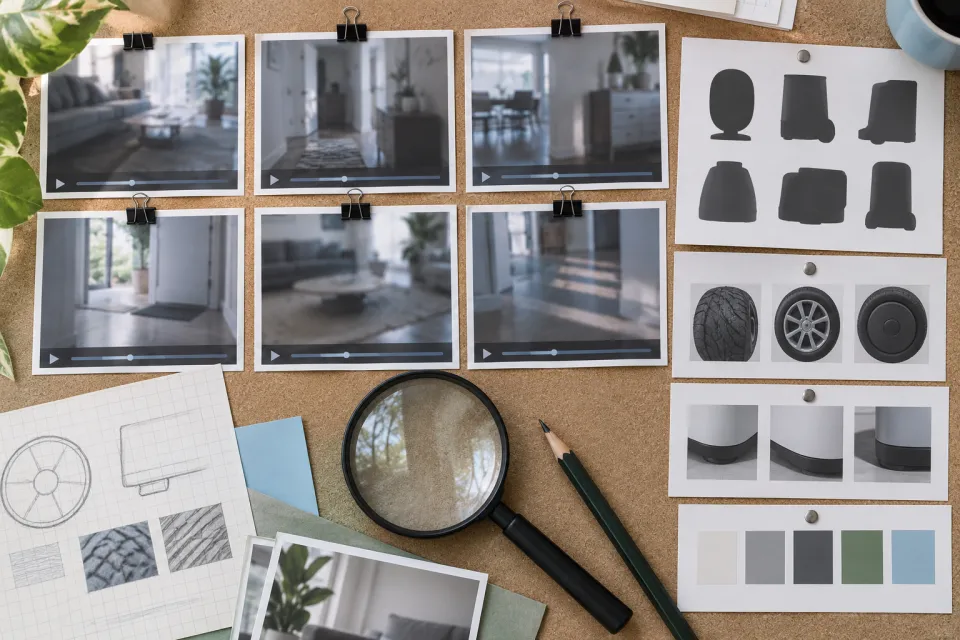
- Hardware: locomotion type, number and position of arms, display, sensors, and charger.
- Context: home, studio, trade show, laboratory, advertisement, or news package.
- Behavior: autonomous-looking action, remote guidance, staged movement, or edited sequence.
Trace the clip back to the earliest reliable source
Open the broadcaster’s official page and search its episode guide, transcript, press release, or clip archive. Then check the candidate manufacturer’s official site and channel for the same scene, event, date, or wording. Agreement between those sources is much stronger than multiple sites repeating one caption.
A repost chain can create false confidence because ten uploads may all derive from one unverified post. Treat the earliest identifiable upload as the starting point, then ask where it obtained the footage. If the chain stops at an unattributed compilation, keep the identification provisional.
Compare claims as well as appearance
The right product page should match the company, spelling, development period, and stated purpose. For example, Homebot One identifies KOKO as a physical home robot under in-home testing and engineering validation and provides distinct Home, Care, Research, and Developer paths. Those facts can support or rule out a candidate.
Do not turn a match into a broader feature claim. A clip showing movement does not prove full household autonomy, commercial availability, payload, battery life, price, or safety certification. Identify the device first, then verify each capability with a source appropriate to that claim.
Assign a confidence level and explain why
Use three labels: confirmed, probable, or unverified. Confirmed means a broadcaster or manufacturer directly names the product in connection with the footage. Probable means several stable clues match but a primary source is missing. Unverified means the available evidence is visual, derivative, or contradictory.
Publish the evidence beside the label and add an access date. A transparent “probable” is more credible than a definitive answer built on a cropped frame. It also leaves a clear update path if an official archive or manufacturer statement appears later.
Frequently asked questions
Can I identify a robot from its shape alone?
Shape can produce candidates, but a reliable identification needs a name, source, event record, or other primary evidence connecting the footage to a manufacturer and model.
What if the clip has no original link?
Record it as an unattributed repost, search for distinctive text or earlier uploads, and keep the product identification unverified until a primary source appears.
Does showing a task prove the robot is autonomous?
No. The clip may omit setup, remote assistance, retries, supervision, or edits. Verify the operating conditions separately.
Sources & further reading
From Homebot One, the team building KOKO in Fremont, California.